Ingredient photos
Photograph the ingredients or packaging. Review names, amounts and units, adding anything the image does not show.
02 / Photo, receipt & voice entry
Turn ingredient photos, receipts, text or speech into an editable ingredient list.
See how it worksPhotograph the ingredients or packaging. Review names, amounts and units, adding anything the image does not show.
Use a clear, complete receipt photo without glare. Split very long receipts into sections and remove non-food items after recognition.
Type or dictate “six eggs and a carton of milk.” Speech is transcribed to text before AI organizes it.
Results stay on a review screen until you confirm. Correct names and amounts, remove unwanted items or add missed ingredients.
Unknown quantities can stay empty rather than being filled with a guess. Choose a storage zone before saving.
Speech transcription uses no AI credits; organization uses shared credits. Transcription may run on-device or through Apple speech services. Recordings are not sent to CookBook AI.
Six eggs, one liter of milk and four tomatoes.
| Name | Amount | Unit |
|---|---|---|
| Eggs | 6 | pieces |
| Milk | 1 | L |
| Tomatoes | 4 | pieces |
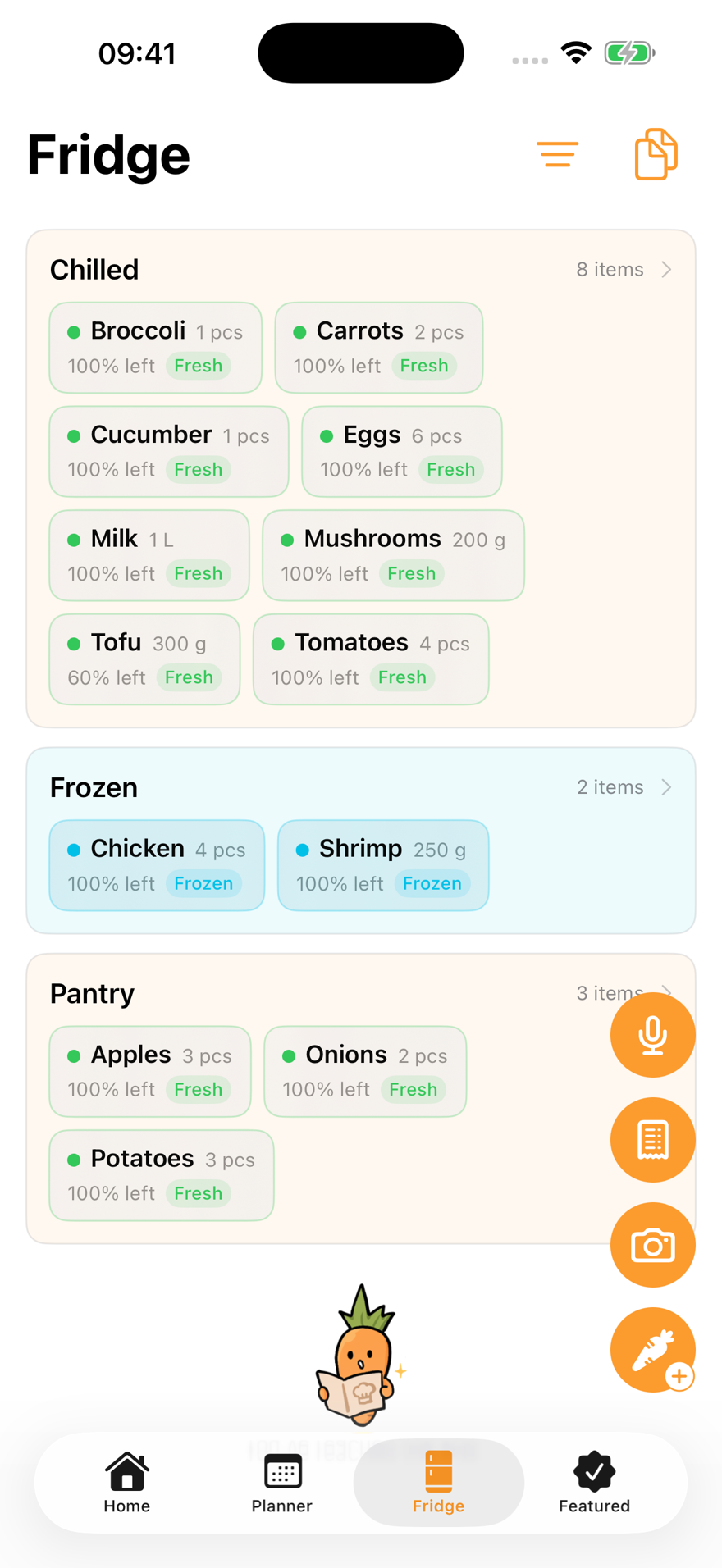
After review, save several ingredients at once. Add expiry dates in the fridge, update remaining amounts and move items between zones.
The free tier allows 20 fridge entries. Example freshness labels and expiry dates are not AI food-safety assessments.
Online AI features share 15 lifetime free requests; members get 200 per Beijing calendar month. Service-wide daily and concurrency limits apply. Available features depend on the app version.
Required content is sent only when you submit a task. Review amounts, allergies and steps: results may contain errors or omissions. Calorie estimates are for reference.
Read the data processing policy
The essentials are free. Every plan is ad-free.
Get CookBookPlatforms, regions, versions and prices follow the App Store listing.